
Giving gifts to loved ones often means choosing something special just for them. Personally, I love finding the perfect presents for my loved ones or making them something I know will bring them joy.
Even though they aren’t on my gift list for the holidays, I also like giving a customized experience to the folks who use Slack apps. I may not be making them one of a kind hand made gifts for the holidays (currently the Slack platform doesn’t support cross stitch patterns). But that doesn’t mean the apps I create can’t provide a tailored and individual experience.
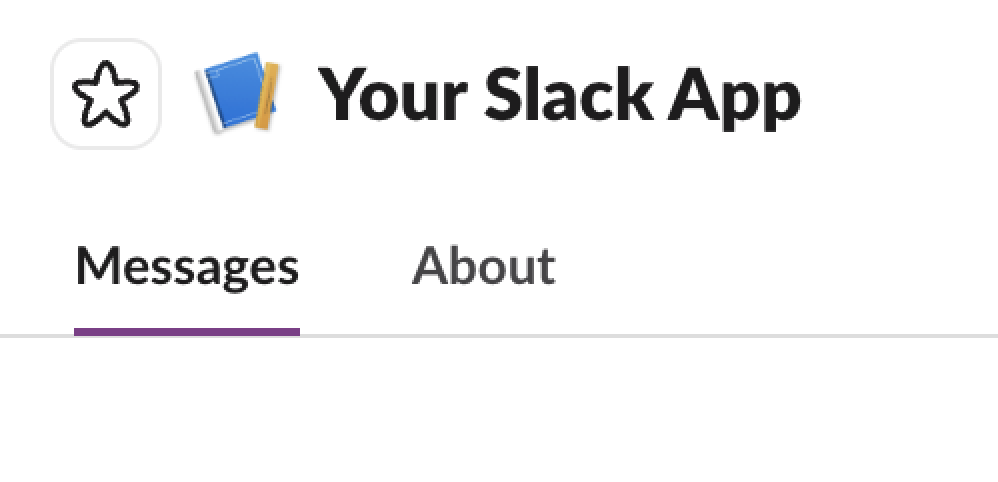
The app home is where this experience can happen. To start, I need to configure my app to have granular permissions (I’ll get to why in a bit). But once I have that, I can start with the three basic tabbed views: the optional Home tab, the Messages tab, and the About tab. You may already be familiar with the Messages tab, but if you’re not, this is where the app-user conversation happens. On this surface, I can incorporate all of the typical Slack messaging features, which should make it a familiar and useful space for both regular and new users.
The About tab may also be familiar since it’s where the app’s description and info live.
Not all apps need to have more than these two tabs, so the app home might look like this:
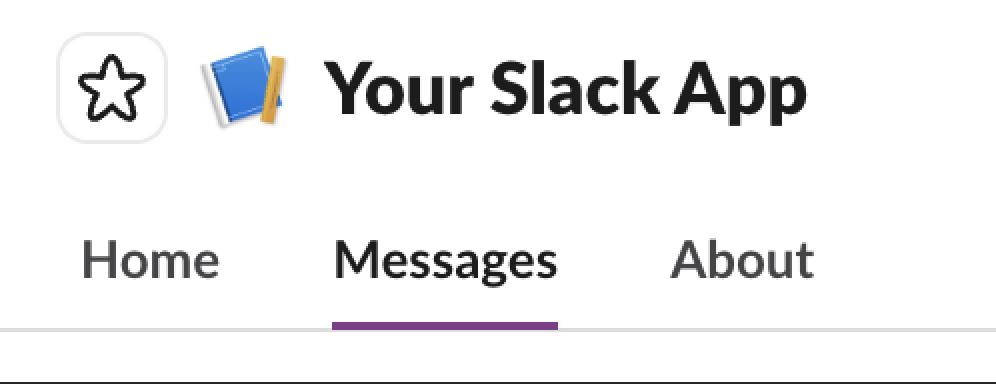
Let’s say I need to create a more customized user experience. That’s where the Home tab comes into play. Not only do I get the Messages and About tabs, the Home tab gives me a space where I can completely customize the user experience. Using Block Kit layouts, I can add elements such as buttons, menus and other objects that I might need for users to interact with my app.
Here I can also publish and update the Home tab as the app interacts with my users. The docs call this a “combination of a fixed location for a persistent interface with dynamic contents” which is fun to say out loud. What this means is that I have a place where the user can interact with my app in a way that is customized to them and updates with relevant information.
Remember how I said I needed my app to have granular permission? This is why. When I create an app that uses the Home tab, I need to be able to specify just how the app will interact with the user for each user, which requires that level of permission.
As a user I also like how the Home tab can make it easy for me to access the information I need quickly. This is especially the case if the app has integrations with other services I use regularly. A beautifully configured Home tab can save time and effort while reducing context switching. This makes my life easier and I like giving that gift to others. If I can make some else’s day easier, even a little bit, that’s a gift.
However, this isn’t where the Home tab experience ends. If your app uses agents or AI, the app’s home surface expands to accommodate that as well.
When I incorporate AI into my app, I can use the app home to create a space to share the details of my AI. This can happen in both the About and Home sections (use Home like you would above, and remember that it’s a great space to communicate dynamically with the user). For best practices on what to do where, check out these docs on best practices for AI enabled apps. For me, the magic happens when the Messages tab changes to the Chat tab and I get a History tab as well.
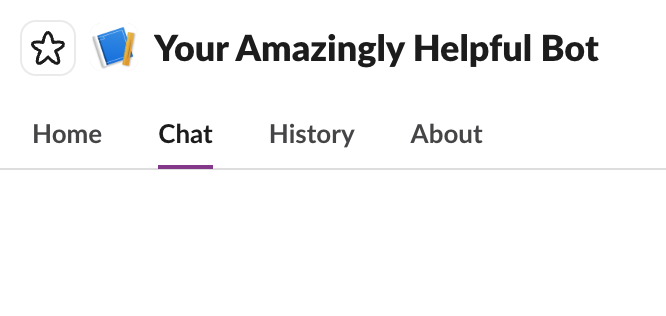
The transformation of the Messages tab to the Chat tab gives you a place for the user to have conversations with your AI integrated app. Because users expect your app to remember and understand which questions were already asked and answered, the History tab lets you store that data for them to reference later. This helps keep the conversation flowing and makes it so the user doesn’t have to repeat themselves. Having these features adds to the best user experience and is definitely better than socks for the holidays.
I may be picking on socks and I will admit that they are a useful gift. However, creating a hand-crafted, customized present is always going to be better than something generic. The app home configurations help you build an excellent, customized experience for your users, making it both useful and awesome.
And who doesn’t like receiving something made just for them for the holidays?