
For this last entry in our 24 Days of building with Slack, I’d like to talk about some general best practices when you’re creating an AI-enabled Slack app. We’ve reimagined the Slack platform for the agentic era so you can reimagine what you can build with Slack.
We’ve spent some of this series talking about how you can gift a good experience to your user, your colleagues, and yourself. This applies as well to creating AI-enabled apps. Let’s go through my three top adjectives for a great app: clear, relevant, and graceful.
Clearly expressing what my app does, how it works, and what to expect sets both my app and the user up for success. Straightforward expectations help the user know exactly what my app is for and how to use it. This creates a seamless experience and lets them get to work rather than have to hunt for details.
I can add this clarity directly in many surfaces in Slack, from App Home, to the chats the users have with my app, and more. Letting them know if the AI part of my app works in channels, supports @-mentions, or just in split view sets clear boundaries. Communicating this clearly lets the users know where and how they can rely on my app.
Trust in my app is also built when the information presented is relevant. I love storytelling as much as anyone, but there’s a time and a place for it. I don’t want to waste the user’s time by giving them unnecessary details. Rather, the more information I provide that is relevant to them, the better. This helps them work more effectively and also tailors the app to them and their experience.
This relevance and clarity leads directly to my app being graceful. It should admit when it can’t do something and also be clear in how it handles errors. Vague “Sorry I can’t do that, user” messages aren’t a great experience for anyone (or worse: if it says nothing).
Giving the user understanding on why something isn’t working builds trust and also gives them helpful context. When my app takes longer than expected or if it’s running multiple tasks in the background, I need to let the user know that the app is still working. This ensures that they don’t think my app is stuck or buggy.
One of my favorite examples of this is how the AI assistant in the Slack Workflow Builder communicates.
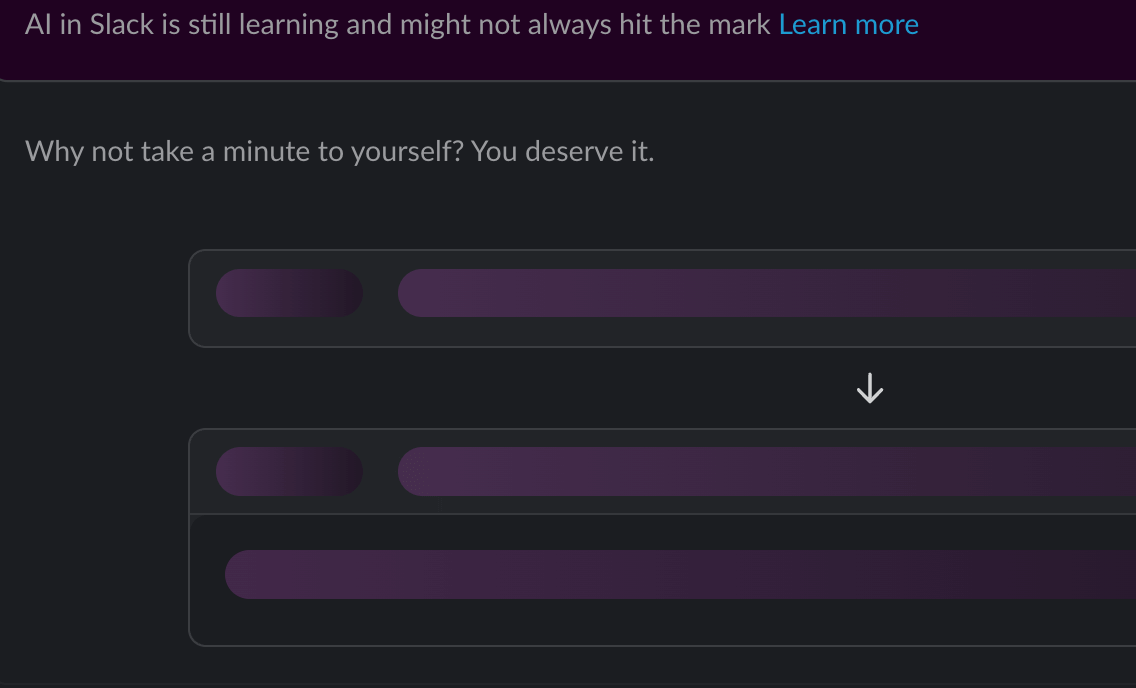
It lets me know the app is working on my request but also adds a personable element to the experience. It helps me anticipate the result, rather than feel like I’m waiting forever for it.
With Slack, we’re meeting the users where they work. Keeping the user in conversation with our apps works best when they can have a good conversation. And a good conversation can be a great gift.
If you want to read more about these best practices, head to the AI Apps docs to help you get started. We’ve also listed some ways you can integrate AI directly into Slack. When you’re ready for a deeper dive, check out this blog post about data and security best practices.