

As we close out 2025, here’s a look back at what we shipped this quarter to make your work life simpler, more pleasant, and more productive.
Announcements
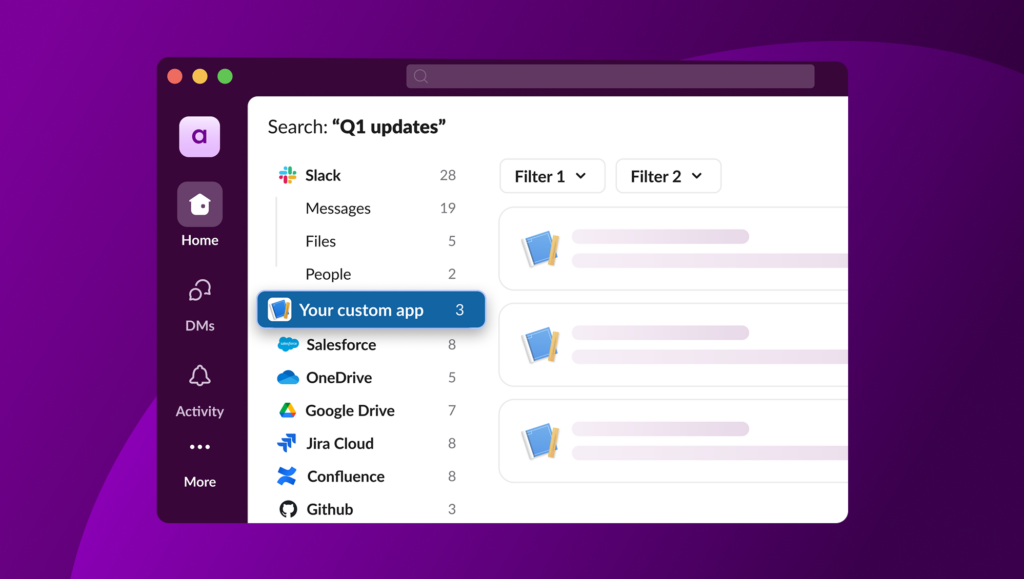
What’s new, what’s changed, and what might need some action from you!- Introducing Work Objects: Support for Work Objects is now generally available. To learn how to use them to create a seamless experience for your users, check out the full documentation.
- Redesigned OAuth page: We’ve revamped the OAuth experience with a responsive, double-column layout that makes configuration options and permission details easier to read and understand while stepping through the OAuth flow.
- New features designed for Slack apps sending AI responses: We’ve introduced a new suite of features to help Slack apps provide an end-user experience typical of LLM tools.
- Slack API Terms of Service updates: With the limited release of the Real-Time Search API, we made some updates to the Slack API Terms of Service.
- Classic app deprecation paused: Classic apps will continue to work for the foreseeable future, but they’re still considered a legacy integration method with Slack and new classic apps cannot be created. We highly recommend you migrate your classic app to a Slack app to avoid any future service interruptions.
Slack CLI
The command line interface for quickly creating, developing, and deploying Slack apps. Here’s what’s new in the Slack CLI:- The Slack CLI now supports Work Objects. The manifest values for
entity_typesare now gathered when reading an app manifest. - When reinstalling the Slack CLI after some time, we now avoid blocking the installation script with an automatic prompt to update to the latest version.
- We made a few updates behind the scenes to keep things running smoothly, and fixed an issue to address a security vulnerability in a dependency.
- The
deno-slack-hooksversion was updated tov1.5.0. This version adds support for bundlingdeno-slack-sdkprojects with the newdeno bundlecommand. - We’ve added the
slack app unlinkcommand, which removes an existing App ID from your project (it will not delete the app from Slack). - We’ve added support for read-only app collaborators (applicable to deployed Deno apps only):
- To add a new collaborator as read-only, use the
slack collaborator add --permission-type=readercommand. - To update an existing collaborator to be read-only, use the
slack collaborator update --permission-type=readercommand. - To assign a collaborator as an owner, use the
--permission-type=ownerflag.
- To add a new collaborator as read-only, use the