
Work today demands an operating system that brings AI, agents, apps, data, and humans together in one conversational interface. Slack is that platform, providing a natural interface for agents with built-in messages, threads, context, components, and events so you never have to invent a new UI.
However, we know that getting from “I want an agent in Slack” to a running deployment requires quite a few important configuration steps that can slow down developers trying to ship. You have to configure OAuth scopes in the Slack API console, set up event subscriptions, handle signature verification, and deploy to infrastructure capable of handling Slack apps and their unique configuration.
We’ve been working directly with partners like Vercel on ways to solve these friction points for you, and today, we’re thrilled to highlight the launch of Vercel’s new Slack Agent Skill—a tool designed to help you get a working agent running on Slack in under 15 minutes.
Enter the Slack Agent Skill from Vercel
Coding agents like Claude Code, Cursor, and GitHub Copilot excel at reasoning through dependencies and generating code quickly. Vercel built the Slack Agent Skill to harness that capability. It works with the coding agent of your choice, automating the boilerplate steps of Slack app creation when possible and guiding you exactly where to click when it can’t.
Building becomes an iterative conversation right in your terminal. You describe what you want—like a support agent that searches internal docs or a standup bot for daily updates—the agent builds it, and you refine it together.
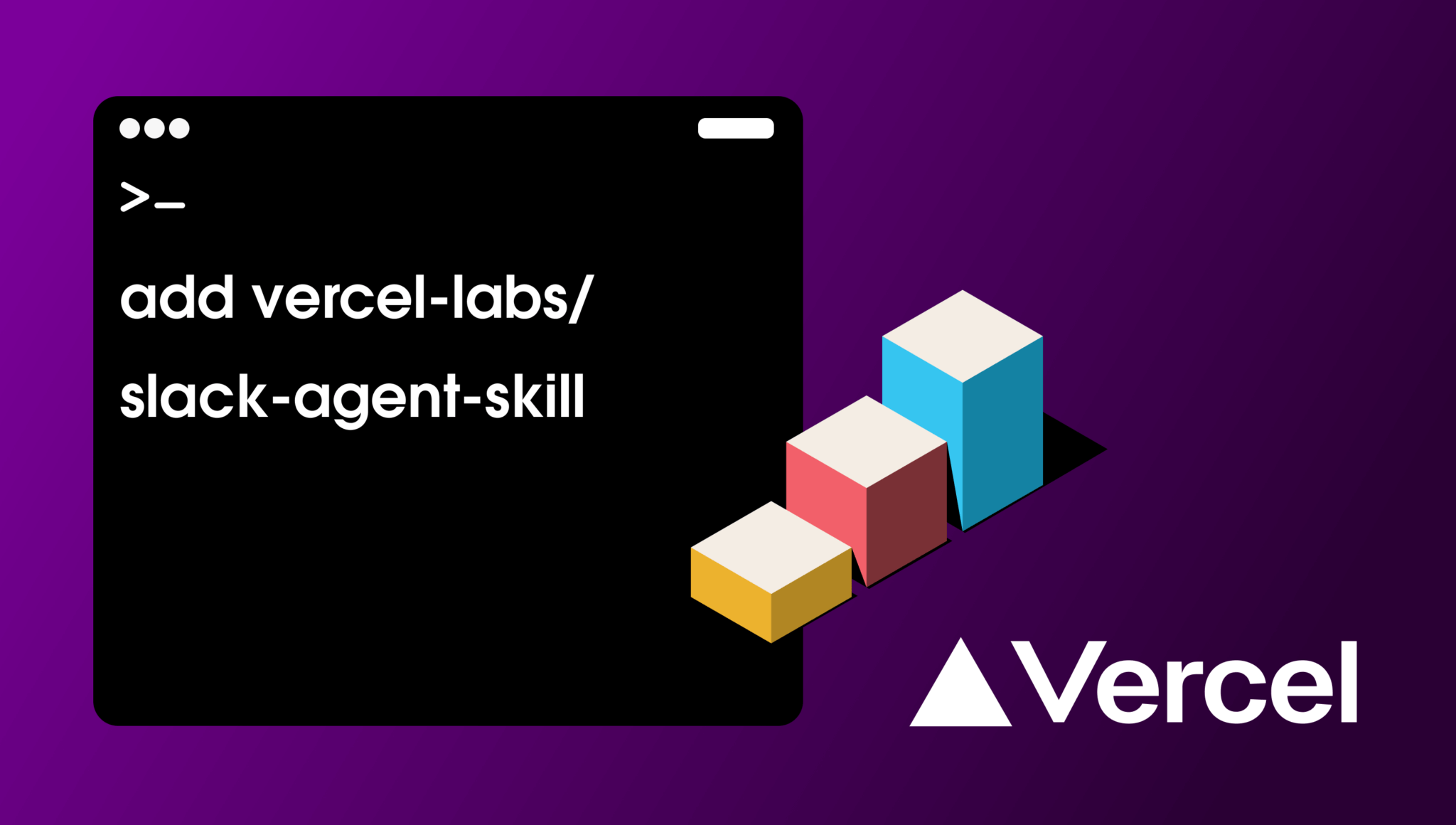
To get started, install the skill and run the wizard via your command line:
npx skills add vercel-labs/slack-agent-skillThen, run the skill in your preferred agent (for example, with Claude Code):
/slack-agent newYou’ll be greeted with a wizard experience that generates a custom implementation plan based on your use case. It then walks you through a streamlined, five-stage process resulting in a deployed and running agent in Slack:
- Project Setup: Scaffolds your project using the Slack Agent Template and configures your LLM provider.
- Slack App Creation: Customizes your manifest.json with precise OAuth scopes and event subscriptions, then opens the Slack console to guide you through workspace installation.
- Environment Configuration: Prompts you for your signing secret, bot token, and API keys, validating each credential securely.
- Local Testing: Starts a dev server and spins up an ngrok tunnel, updating your manifest’s request URLs so you can test your bot in Slack before touching production.
- Production Deployment: Deploys your agent to Vercel with environment variables configured automatically. Going forward, every git push triggers a new deployment. :sparkles:
Instead of wrestling with infrastructure, you can focus entirely on building better agents for your users.
What the Skill Unlocks for Your Slack Agents
This integration doesn’t just deploy code; it gives you an agent capable of multi-turn conversations, streaming responses, and navigating complex workflows natively in Slack. Build best-in-class agentic experiences with these features:
- Workflow DevKit: A normal serverless function shuts down after one request, but Slack agents often need to wait hours for human approval. Workflow DevKit allows your agent to suspend mid-conversation, wait for input, and pick back up exactly where it left off, all while automatically retrying failed tool calls.
- Built-in Human-in-the-loop: When your agent needs to perform a sensitive action, it posts a message with Approve/Reject buttons. The workflow pauses with zero compute running and resumes only after a user clicks, ensuring enterprise-grade governance.
- AI Gateway: Access hundreds of models from major providers (OpenAI, Anthropic, Google) through a single API key. Switch providers just by changing a model string, complete with automatic failovers to keep your agent online during provider outages.
- Custom Tools: Your agent connects to Slack and external systems through typed functions. The template ships with tools for reading channels and fetching thread context, but you can easily prompt your coding agent to add custom tools for querying your own databases or creating support tickets.
In short, these tools handle the heavy lifting of state and workflow management for your agents integrating directly with Slack platform, allowing you to focus on innovation while we handle the integration.
Next Steps
Once your agent is up and running, Vercel provides the platform you need to build, test, and scale your Slack apps:
- Preview Deployments: Test changes safely before they reach production (check out Vercel’s testing guide for handling Slack’s webhook verification on preview URLs).
- Vercel Sandboxes: Let your agent execute user-provided code in isolated environments without risking your core infrastructure.
- Vercel Academy: Take their comprehensive Slack Agents course to master the entire lifecycle, from configuring interactive messages to building with the AI SDK.
The Slack platform is evolving into a true WorkOS, and partners like Vercel are making it easier than ever to build the future of work.
Install the skill and deploy your Slack Agent today, or head over to Vercel Academy to learn more about Slack Agents on Vercel.