E02: WFB Conditional Branching
Build Smarter Slack Workflows with Conditional Logic.
February 19, 2026

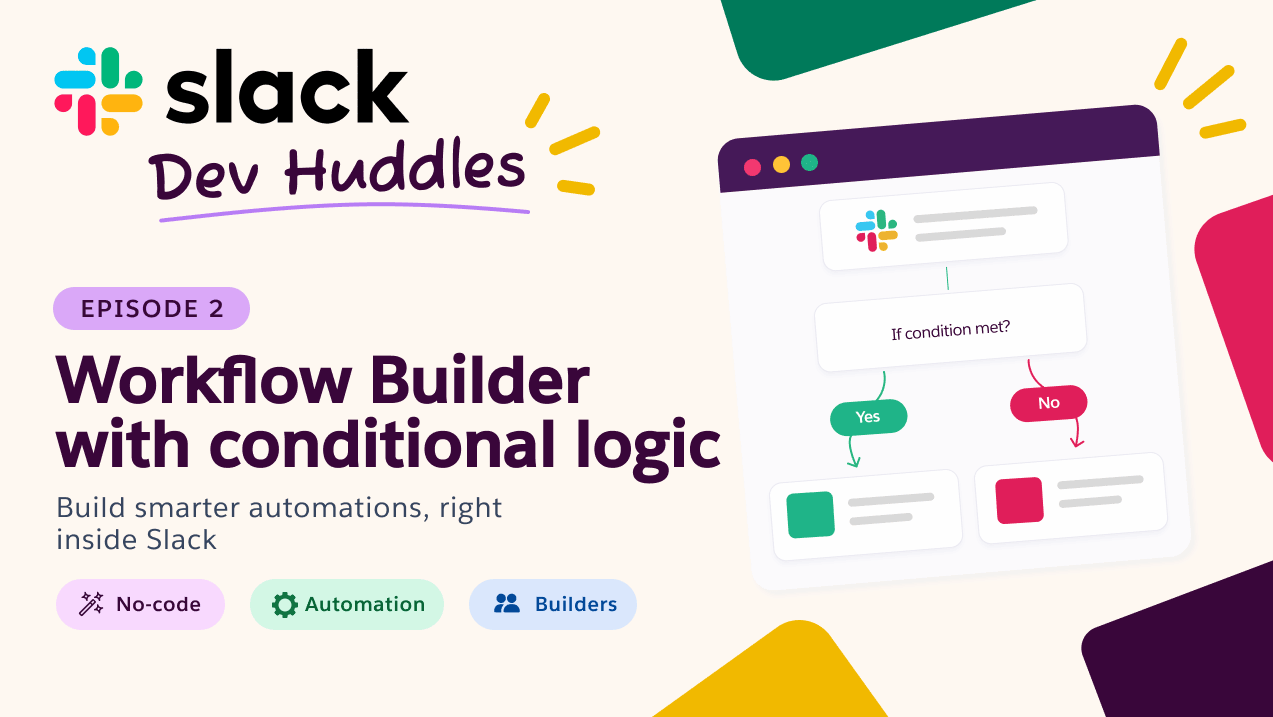
In this episode, Jeremiah Peoples takes us hands-on with Slack Workflow Builder, starting with the basics and building all the way up to a more advanced incident management workflow using conditional logic.
We cover:
• The fundamentals of Slack Workflow Builder: triggers, steps, and variables
• Different ways to start a workflow, including link, scheduled, keyword, webhook, and connector triggers
• Collecting and working with information through forms and variables
• Using conditional branching to create dynamic workflows
• Building an incident management workflow from scratch
• Using custom functions to bring data from an external API into a workflow
• Connecting workflows to external services like GitHub and GIPHY
• Testing, debugging, and iterating on workflows as you build
• Ideas for extending an incident workflow with tools like Jira and Asana
Whether you’re just getting started with Workflow Builder or looking to build more sophisticated automations, this episode shows how small building blocks can come together to automate real processes in Slack.
🔗 Resources mentioned in this episode:
• Slack Developer Program
• Slack Developer Hub
• Slack Developer LinkedIn page