
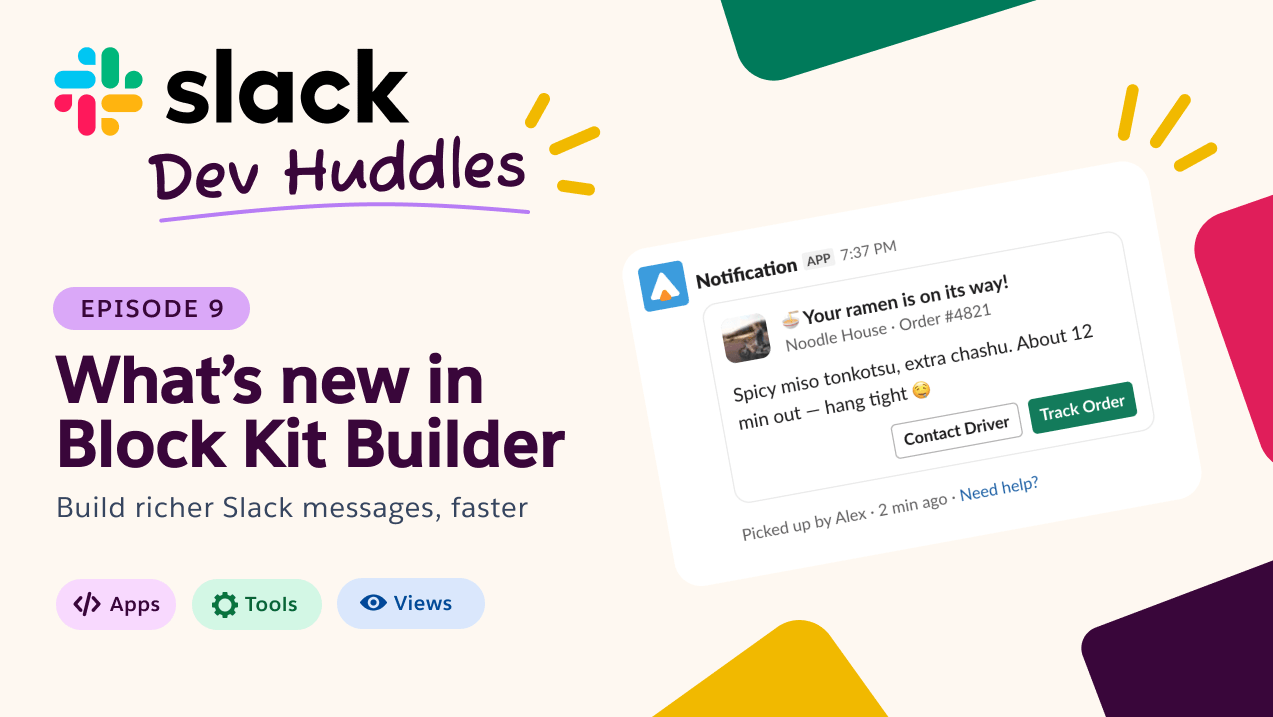
What’s new in Slack Block Kit Builder? In this episode of Slack Developer Huddles, Staff Developer Advocate Jeremiah Peoples walks through the latest updates to Block Kit Builder and shows how you can use them to create richer, more interactive experiences in Slack.
You’ll see how to:
- Work more efficiently with Block Kit Builder, including faster block reordering, undo, and hover previews.
- Save and share complete Block Kit payloads.
- Preview your layouts directly in Slack.
- Use newer Block Kit components, including containers, forms, tables, data visualizations, cards, and carousels.
- Bring real business data into tables and charts.
- Use AI coding agents and the Slack Skills plugin to generate and validate Block Kit layouts.
The episode also includes a practical demonstration of using Claude Code and the Slack Skills plugin to create a Block Kit layout.