
Some amazing things have bloomed this spring! We’ve been hard at work on new features and updates to make your work life simpler, more pleasant, and more productive.
Announcements
What’s old, what’s new, and what might need some action from you!
- New Block Kit blocks and other goodies.
- The following new blocks have been added for Block Kit use: alert block, card block, carousel block, data table block, data visualization block, and container block.
- The chat.startStream, chat.appendStream, and chat.stopStream API methods were updated to support streaming blocks.
- The blocks.validate API method was added, which allows you to validate blocks and messages and to view Block Kit JSON payloads.
- Slack CLI support for agents. The Slack CLI can now quickly scaffold an AI agent using the
slack create agentcommand and our collection of agent sample apps. Features such as local manifest management, environment variable management, and file watching with live reloading come together to streamline the agent development experience. - Slack CLI support for the new agent messaging experience.
- The
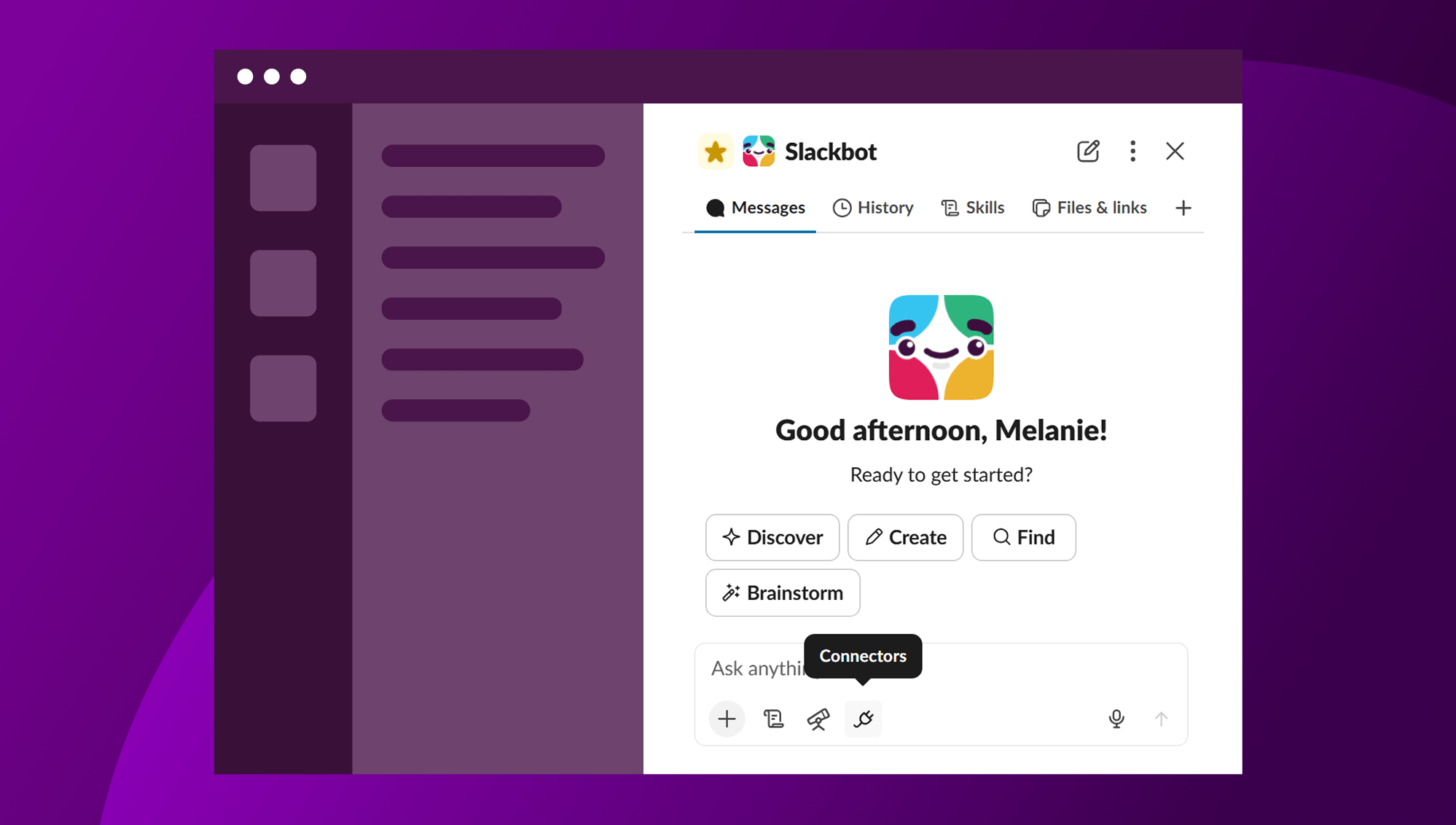
features.agent_viewapp manifest property enables the new agent messaging experience, which allows agent conversations to look and feel the same as a regular direct message. Gone is the history tab and new chat button. Instead, all of your conversations appear in the standard message tab and your agent can respond in-thread. New apps can only use the agent messaging experience. Apps that use the assistant messaging experience can continue to use it for now, butassistant_viewwill eventually be deprecated, and we’ll ask existing apps to migrate toagent_view. Read more about the changes in this changelog entry.
- The
- New Slack MCP server tools:
- Add reactions: adds an emoji reaction to a Slack message on behalf of the authenticated user.
- Create a conversation/channel: creates a new Slack channel, group DM, or IM conversation on behalf of the authenticated user.
- List channel members: retrieves a list of user IDs for members of a given Slack channel or conversation.
- List emoji: returns the list of custom emoji available in the workspace.
- Read files: retrieves metadata and content of files shared in Slack workspaces.
- New Slackbot MCP Client. Now you can connect MCP servers to Slack. Once connected, Slackbot will automatically discover your MCP server’s tools and invoke them based on user prompts in conversation. Four authentication methods are available for connecting to MCP servers; check out connecting an MCP server to the Slackbot MCP client for more details.
- Slack system notifications are now delivered from the “Slack” system user (
USLACK) instead of Slackbot. See the changelog entry for more detail to see if you need to make any changes to your apps.
Slack CLI
The command line interface for quickly creating, developing, and deploying Slack apps. Here’s what’s new in the Slack CLI.
Updates to app development using the Slack CLI:
- The
slack createcommand now accepts the--appflag to scaffold a project and automatically link it to an existing app. - The
slack external-auth add-secretcommand is now available to all apps, not just Slack-hosted apps. - The Slack CLI now supports
mcp_servermanifest fields for connecting MCP servers to the Slackbot MCP Client. - The
slack apicommand can now send unauthenticated requests when no token is available or when--no-authis specified. - The
slack apicommand no longer triggers a background update check when invoked with arguments (e.g.,slack api chat.postMessage). - Any
Y/Nselect prompts now display as vertical selection, similar to theslack createcommand. - We’ve disabled upgrade notifications for the
slack manifestandslack manifest infocommand. The command returns JSON that may be used for scripting, and the notifications interfere with parsing the response output. - We’ve added file watch and live reload support to
slack run. This allows your Slack apps to immediately reflect changes to files by you or your agent-related development tools (Claude Code, Codex, etc.). - It’s easier to start an HTTP OAuth Server or app with a custom path, as the
slack runcommand now accepts an optional argument for the app entry point. For example:$ slack run ./src/app_oauth.py. - We updated the
slack runcommand for Enterprise Organizations so that “All workspaces” is always shown as the first option when prompted to choose whether to grant to all workspaces or a specific workspace. - When a command runs using the verbose flag (
--verbose) and makes an HTTP request, the output now includes the HTTP Header’s User-Agent. - We’ve added a
slack api <method>command, which allows you to call any API method directly from the Slack CLI. - Interactive forms are now screen reader friendly when the
ACCESSIBLEenvironment variable is set, or when using the--accessibleflag. - We’ve added a new
env initcommand to copy a template placeholder.env.sampleor.env.examplefile to the.envfile of your project. - We’ve added support for the
settings.is_mcp_enabled: <bool>manifest property to enable or disable the Slack MCP Server. This causes cached values to expire and the next run attempt may surface a warning noting that app settings have changed since the last update. - We’ve added support for optional OAuth scopes (
bot_optionalanduser_optional) in the app manifest schema. - We’ve added a
SLACK_CLI_APP_ICON_PATHenvironment variable to override the icon file path used during app install and local run. When set, the specified path takes priority over the manifesticonfield and the default icon file search. A warning is displayed if the configured path does not exist. - Icon auto-detection now supports
.png,.jpg,.jpeg, and.gifformats inassets/and project root. Theassets/directory is checked before project root;.pngis preferred when multiple formats exist. - App manifest display names now preserve the original app name instead of using the kebab-case directory name during
slack create. - We’ve added verbose debug logging and retry support to icon upload API calls.
- We capitalized “App” in the
slack createcategory selection menu titles for more consistent title casing. - We’ve added more polish to outputs from the
slack createcommand section headers. - The
slack createcommand preserves path separators when a nested path is provided as the project directory. The--nameflag now only overrides the app’s display name in the manifest without replacing the path argument. - Environment variables saved to
.envfiles are now loaded into the process before hook scripts run. This improves theslack runcommand, as additional dependencies are no longer required to load environment variables into the runtime context. Other commands such as theslack deploycommand and theslack manifestcommand also benefit, as the underlying hooks can be more expressive in customizations, and can also be configured for custom environments. - The
slack env listcommand now lists the environment variables available from.envfiles for apps that aren’t run on Slack infrastructure. - The
slack env setcommand can now add and update environment variables in.envfiles for apps that aren’t built or run on Slack infrastructure, making configuring and iterating on a Bolt app from the command line faster. - The
slack env unsetcommand now removes environment variables from.envfiles for apps that aren’t built or run on Slack infrastructure. - The
slack envcommands were aliased toenv setandenv unsetto match more common shell conventions. (These commands were previously recommended asaddandremove, which became confusing when existing variables were updated.) Refer to the slack env docs for more details. - We’ve added a
slack docs searchsubcommand, which can output search results using plain text, json, or your preferred browser. Refer to the slack docs command docs for more details. - We’ve refreshed our interactive prompt style with Charm’s Huh package.
- Interactive prompts now support light-mode and dark-mode.
- Bolt for JavaScript and Bolt for Python-related updates:
- Bolt for JavaScript 4.7.0 and Bolt for Python 1.28.0 support a collection of new agent-related UI features.
- Event listener handlers now provide utilities to display your agent’s thinking status, streaming text, display suggested prompts, and more.
- The Slack MCP Server now works with Bolt Frameworks.
- Popular agent frameworks such as Claude Agent SDK, OpenAI Agents SDK, Pydantic, and Vercel now work with Bolt.
- The
slack createandslack initcommands now create a Python Virtual Environment (.venv) when it doesn’t exist. - The
slack createandslack initcommands now install your project dependencies frompyproject.tomlandrequirements.txtafter activating your Python virtual environment. - All
slackcommands now activate your Python virtual environment, when it exists. For example, this meansslack runwill activate your.venvbefore starting your app’s server.
- Slack Java SDK-related updates:
- We’ve added authorship arguments (
icon_emoji,icon_url, andusername) to theassistant.threads.setStatusandchat.startStreamAPI methods. - We’ve added
highlight_typesupport to thefiles.completeUploadExternalandfilesUploadV2API methods. Thehighlight_typeparameter allows specifying the file type hint for uploads (e.g.,png,jpg, andgiffile types), enabling optimistic rendering before the async upload processing job completes.
- We’ve added authorship arguments (
- Bug fixes:
- We fixed a
pyproject.tomlerror that was displayed by theslack createandslack initcommands. - We fixed a bug: environment variable values set for hook commands are no longer surrounded with double quotes.
- We fixed a bug with the Windows installer. The installer now suggests providing an optional alias as a separate step from downloading the installer if earlier overwrites were avoided but still caused the installation to fail.
- We fixed a bug: errors will appear sooner in CI and scripting setups if either interactive input or a confirmation is requested, rather than waiting for a timeout.
- We fixed a bug: The sections of
slack envcommand outputs are now titled to match the command itself, and are grouped under one section for each command. - We fixed the
slack create agentcommand so that it shows prompts for the app template, Bolt Framework, and Agent Framework. - We fixed the S3
Content-MD5header when deploying a Deno app to Slack. We now remove the MD5 hash computation andContent-MD5header from S3 presigned POST uploads to avoid an error. - The Slack CLI installer now outputs the pinned version provided if a particular version is provided, rather than a version and blank space.
- The Slack CLI now avoids uploading icons for non-hosted apps that do not have the
set-iconexperiment enabled.
- We fixed a
That’s a wrap on this quarter’s highlights! Keep building and let us know what you think by submitting feedback to feedback@slack.com or reaching out to us on GitHub.