
There’s a moment every developer loves: you describe what you want to build, and your AI coding agent just… gets it. The structure is right. The flow makes sense. You can actually move forward without second-guessing every step.
That experience just got a big upgrade for Slack developers.
The Slack Skills Plugin for Claude Code and Cursor brings deep, practical knowledge of the Slack platform directly into your agent’s workflow, helping you go from idea to working app with clarity, speed, and confidence.
It introduces four built-in skills for app development — create-slack-app, block-kit, slack-cli, and slack-api — covering everything from scaffolding to UI, local development, and API interactions.
Here’s how it fits into your flow.
Go from idea to app in one prompt
You can start with something as simple as:
“Create a new Slack app in Python that responds to a slash command.”
The create-slack-app skill sets everything up: project structure, prerequisites, authentication, and a ready-to-run foundation using the Slack CLI and Bolt (in JavaScript or Python). It’s a clean starting point designed to help you build right away, without needing to piece together configuration or documentation.
Build Block Kit that works beautifully
Designing UI becomes a smoother, more reliable experience.
Ask: “Build a modal with a text input and a submit button.”
The block-kit skill generates layouts and validates them against Slack’s Block Kit API before returning them. No more are the days of Block Kit blocks generated from LLM training data, you can actually verify that the blocks are correct against the Slack API, or you can also open the generated blocks directly in Block Kit Builder in your browser, making it easy to preview, refine, and iterate on your UI in real time.
So what you get is ready to render and easy to iterate on, with confidence that it will work as expected.
Stay in flow with CLI actions
Your agent can also handle the mechanics of development behind the scenes.
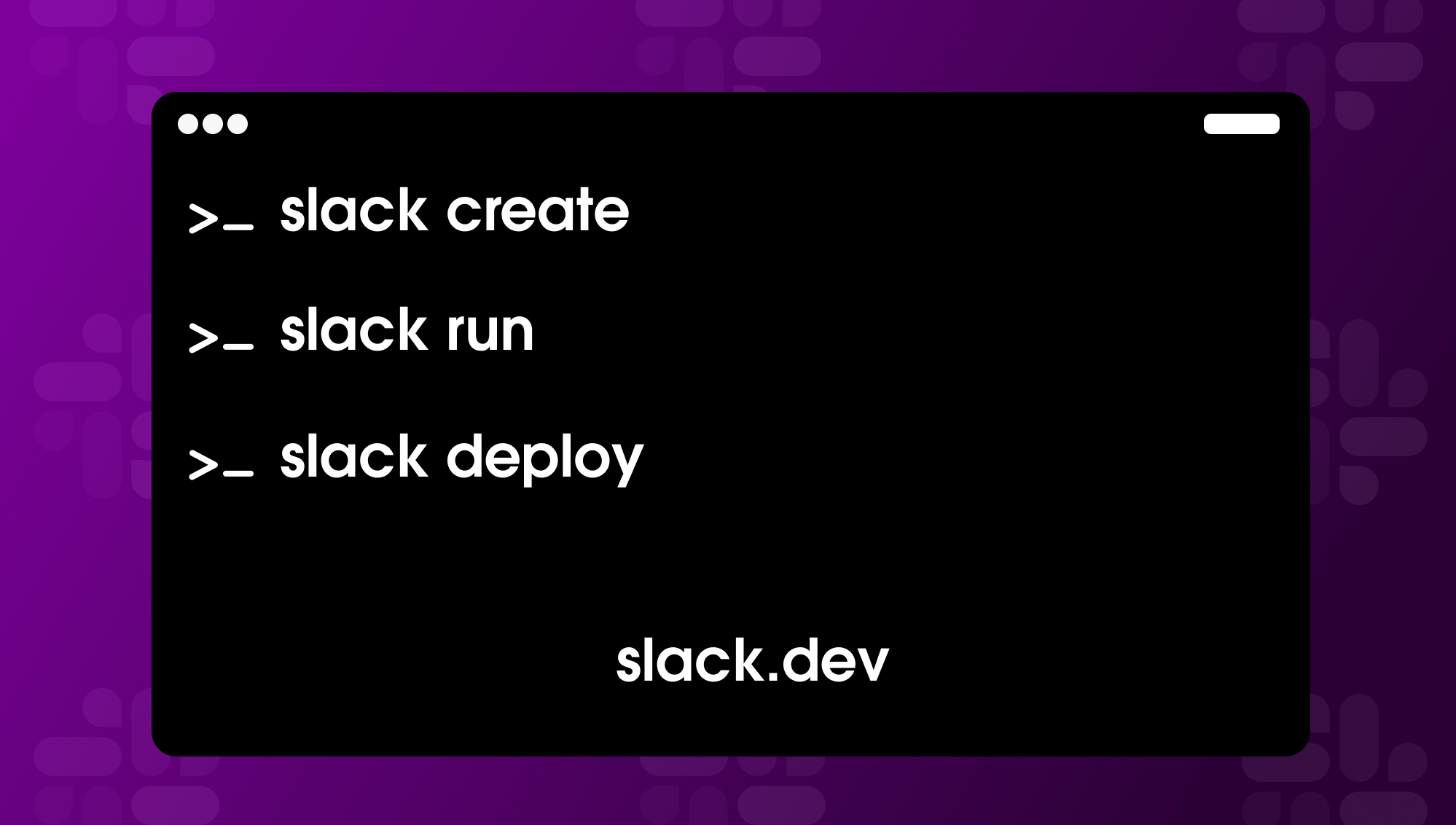
With the slack-cli skill, you can run your app locally using slack run or update manifests using natural language keeping everything in one continuous workflow without switching tools.
Work with the Web API confidently
The slack-api skill brings structure and awareness to every request. Helping you discover the correct methods and selecting the right scopes and token types so that you can make API calls, handling pagination and rate limits, and continuing request flows smoothly so you can stay focused on building.
Designed to work alongside MCP
If you’re already using the Slack MCP server, you’ve seen how agents can interact with a workspace in real time, posting messages, retrieving context, and responding to events.
The Skills Plugin complements that by supporting the build phase.
Together, they give your agent a more complete understanding of Slack: one part focused on interacting with your workspace, the other on helping you create the apps and workflows that power those interactions.
Ready to try it?
Install the plugin and start building with your agent right away:
In Claude Code:
/plugin install slack@claude-plugins-official
In Cursor:
/add-plugin slack
Using a different coding agent? You can install the skills directly with npx — this works with Claude Code, Cursor, Codex, Gemini, Cline, and more:
# Install all skills

npx skills slackapi/slack-skills

# Or install a specific one

npx skills slackapi/slack-skills --skills block-kit
Once installed, your agent can automatically use create-slack-app, block-kit, slack-cli, and slack-api based on what you ask it to do.
You can also explore the source at: https://github.com/slackapi/slack-skills-plugin